🎮 Game Controls & Keyboard Guide
Play Tile Adventure Online for Free

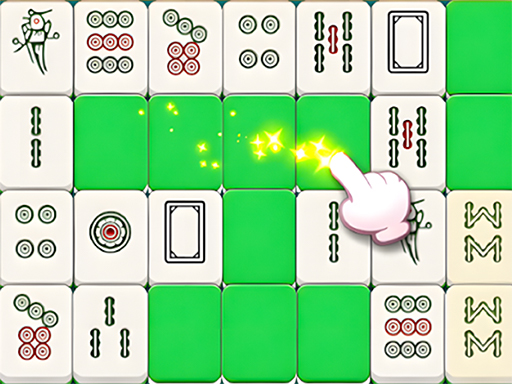
A fun and satisfying tile-matching puzzle game! Match tiles in sets of three, clear the board, and enjoy a relaxing, brain-teasing experience. With smooth gameplay, colorful visuals, and levels that gradually increase in challenge, it’s perfect for anyone who loves casual puzzles. (Inspired by the classic Mahjong layout, but with a fresh, modern twist!)
Get ready for an adrenaline-fueled experience with Tile Adventure, an exceptional Puzzle game that pushes your skills and reflexes to their absolute limits.
⚡ Key Features
🎮 Responsive Controls
Optimized for smooth keyboard, mouse, and touchscreen input across all devices.
🌟 High-Def Visuals
Crisp graphics with 60 FPS smooth rendering for an immersive visual experience.
⭐ Pro Tips & Strategy
Prioritize clearing obstacles and locked tiles early to expand available movement area. Plan at least 2 to 3 moves ahead rather than making instantaneous impulsive matches.



Complete Guide & Gameplay for Tile Adventure
From the opening stage to the final showdown, Tile Adventure rewards strategic foresight. Study the terrain layout and adapt your strategy on the fly for peak performance.
This classic Mahjong & Connect browser title is fully optimized for HTML5 browsers, delivering responsive physics and immersive action on desktop, mobile, and tablet platforms without downloads.
